Christian Marriage Biodata Format: Details and Templates
Learn what to include in a Christian marriage biodata and how to handle optional church or faith details, choose a template and share it safely.


Quick answer
What this guide helps with
- Prepare a Christian marriage biodata format with clear, useful sections.
- Handle optional church or faith details respectfully.
- Compare Christian-tagged and general templates and share the final PDF safely.
Key takeaways
- Christian individuals and families differ in church, denomination and practice.
- Confirm the person’s preferred terms and optional details.
- Use a simple layout that supports the profile without adding unwanted fields.
What to include in a Christian marriage biodata
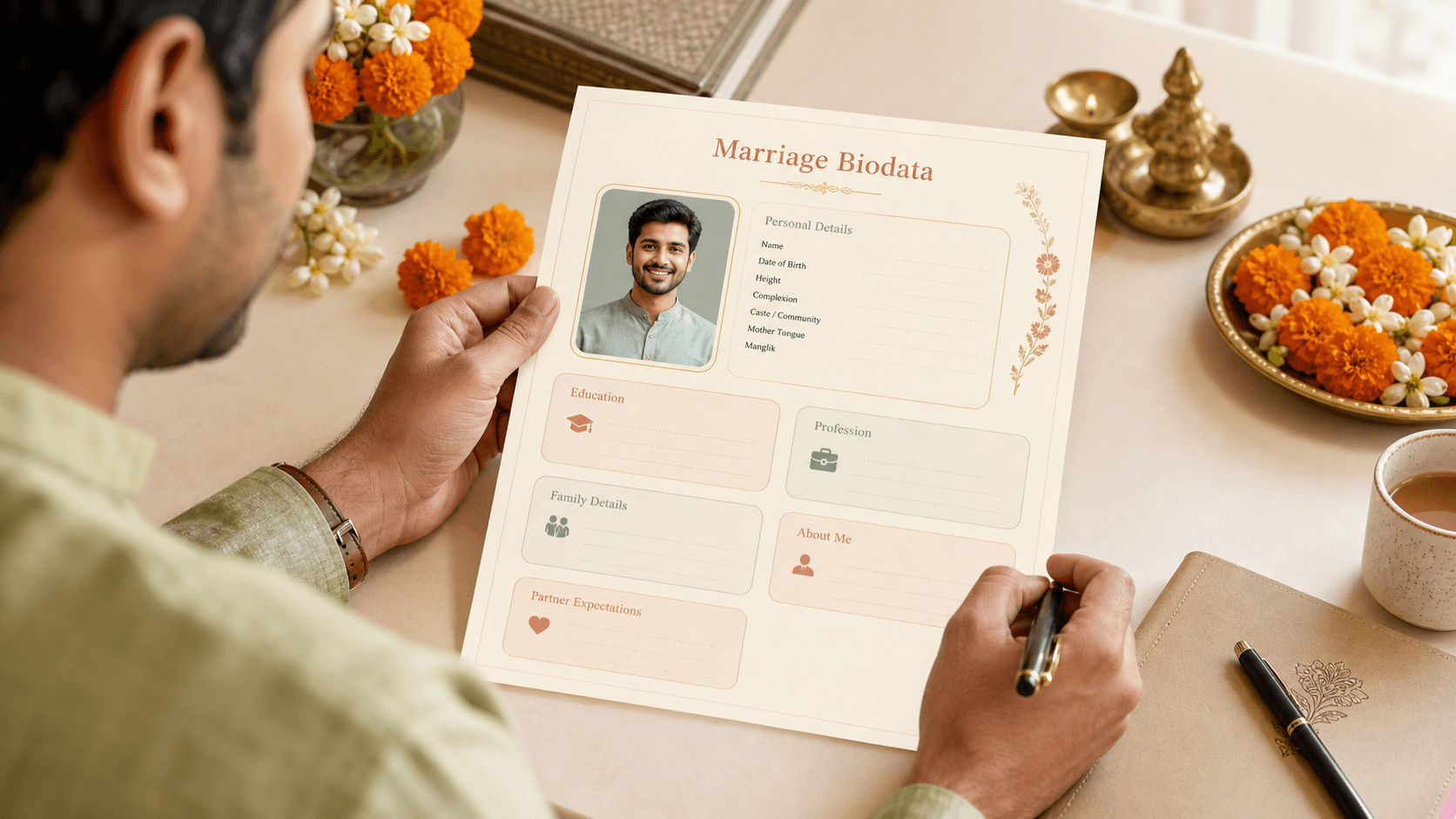
Start with the information a person wants a prospective match to know: personal details, education, profession, a brief introduction and family context if appropriate. Keep the profile short enough to scan and specific enough to feel human.
| Section | Possible information | Choice to confirm |
|---|---|---|
| Personal details | Name, city and age or birth information if chosen | Whether exact date or other identifiers are needed |
| Education and career | Qualification, current work and location | Whether employer or income should appear |
| About me | Interests, values, faith or daily life if desired | Which parts the person wants to share |
| Family | Brief family background | Which details have been approved |
| Match preferences | A few meaningful priorities | Clear, mutual and respectful wording |
| Optional church or faith context | Church, denomination or practice if the person wants it | Preferred term and level of detail |
Christian communities include different churches, denominations, languages and ways of practising faith. Do not assume a person’s denomination, worship habits, family expectations or partner preferences from a template label. Ask the person how they describe their faith and whether it belongs in the biodata at all.
Choose a template that fits the information
The VivahVerse biodata gallery includes Christian-tagged options as well as general layouts. A cross, floral border or church-inspired motif may suit one person and not another. Select a style only after the person sees the preview; remove any visual or field that does not feel representative.
Explore three designs from the Christian collection and a versatile design for all communities. Choose a layout and details that feel right for the person.
 TrendingWith cover
Blue Garden
A dusty-blue round-top cover panel surrounds a rectangular portrait beneath a white cross.
Purple Lines
Porcelain corner relief gives white editorial stationery a subtle blue-and-bronze character.
Green Leaves
Olive branches and a fine gold leaf-chain frame surround a bronze crucifix, compact profile rows and rectangular portrait.
 Trending
Garden Flowers
Warm floral stationery with botanical corners and open details space for all communities.
Blossom Grace is one Christian-tagged catalogue design, using pale cream, pink floral corners and a small cross. It is a visual option, not a signal of denomination or practice. Compare the preview with a general layout if the motif does not feel like the person’s style.
How to handle church or denomination details
Church, denomination and faith practice are optional profile choices. If one matters to the person, ask what wording they use and whether they want to mention a congregation, broad tradition or simply that faith is important to them. Avoid adding a label or church contact without consent, and keep the introduction focused on the person rather than a claim about their whole community.
For the written profile, use a few natural sentences rather than copied phrases. Mention real interests and the kind of partnership the person hopes to build. If faith is important to their introduction, let them describe it in their own words instead of adding broad claims on their behalf.
Check the PDF and protect personal details
Confirm spelling, dates, work information and family references. Use a current photo with consent. Keep addresses, identity documents, exact income and private contact details out unless they are necessary and approved. Because PDFs can be forwarded, share the file only through channels the person has agreed to use.
Our guides to simple biodata structure, traditional and modern formats and WhatsApp biodata PDFs offer practical follow-up.
- Ask the person whether church, denomination or faith belongs in the profile.
- Use the terms and level of detail they choose.
- Keep family and work information concise and approved.
- Review the design and all text before exporting.
- Get consent for the photo and remove unnecessary identifiers.
- Share the PDF only with intended recipients.
What is a Christian marriage biodata format?
It is a profile layout that may include personal details, education, work, an introduction and family background. Church or faith details are optional and should match the person’s preference.
Should a Christian biodata include denomination?
Only if the person wants to include it. Christian communities and individual practice vary, so do not infer denomination or worship preferences from a template.
Where can I find Christian marriage biodata templates?
Browse the VivahVerse template gallery and compare Christian-tagged layouts with general formats. Choose one that presents the person clearly and feels right to them.
Let the person choose the presentation