



Diwali wedding website offer, November 2026
Any wedding website. Flat ₹499.
Share Your Story · Additional ₹300 cashback
₹199 effective after cashback
Offer ends in
––Days
––Hours
––Minutes
––Seconds
23 out of 50 spots left
Why choose VivahVerse?
Your wedding website. Yours to manage.
- Unlimited edits.No extra editing fees.
- RSVPs, blessings and exports.Manage responses, filter and export RSVPs, and control blessing visibility in your management portal.
- Enter details once.Switch designs without starting again.
- Your photos. Your music.Your choice of sections.
There’s more behind your website.

Your wedding website in four steps.
Choose a design.
Preview a template and pick your favourite.
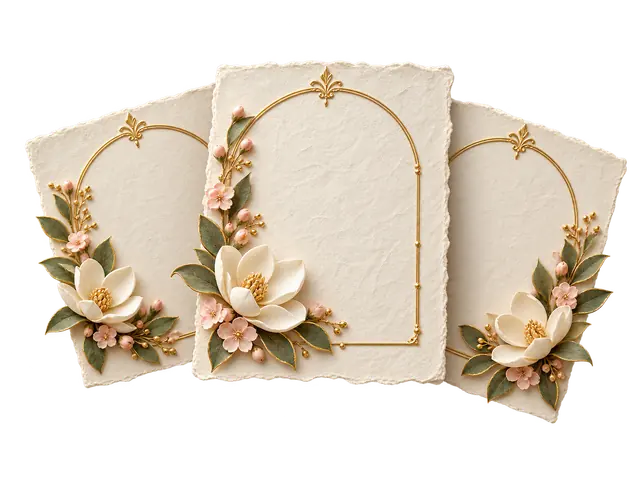
Make it yours.
Add your details, photos and music.

Claim your link.
Choose your unique available website address.

Publish and share.
Complete your purchase, publish and share one link.

Wedding website reviews
A little love from our couples.
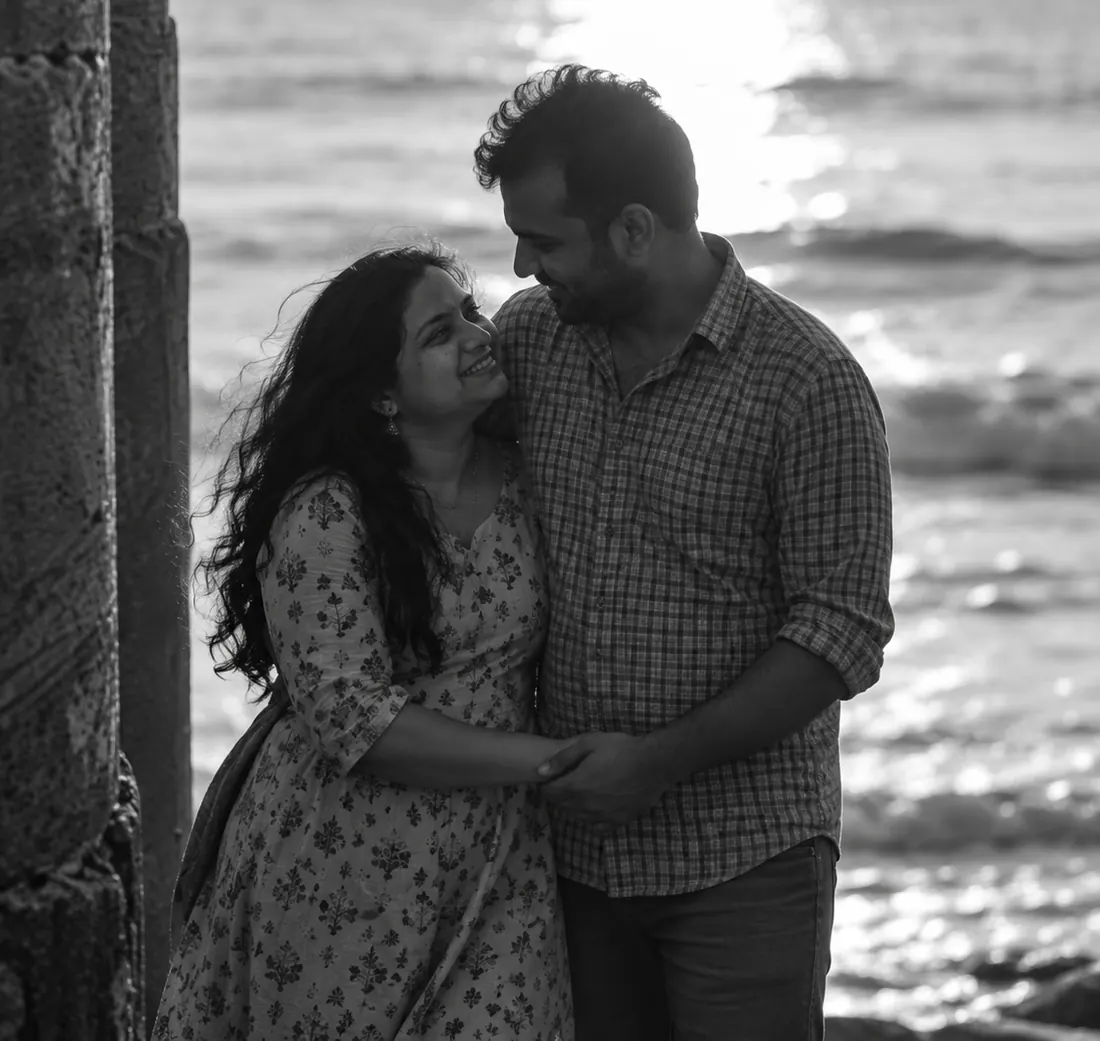
“I thought buying it would take time. It was ready in 15 minutes.”
Aditi & Arjun 
“The themes and customization options are great.”
Isha & Vihaan 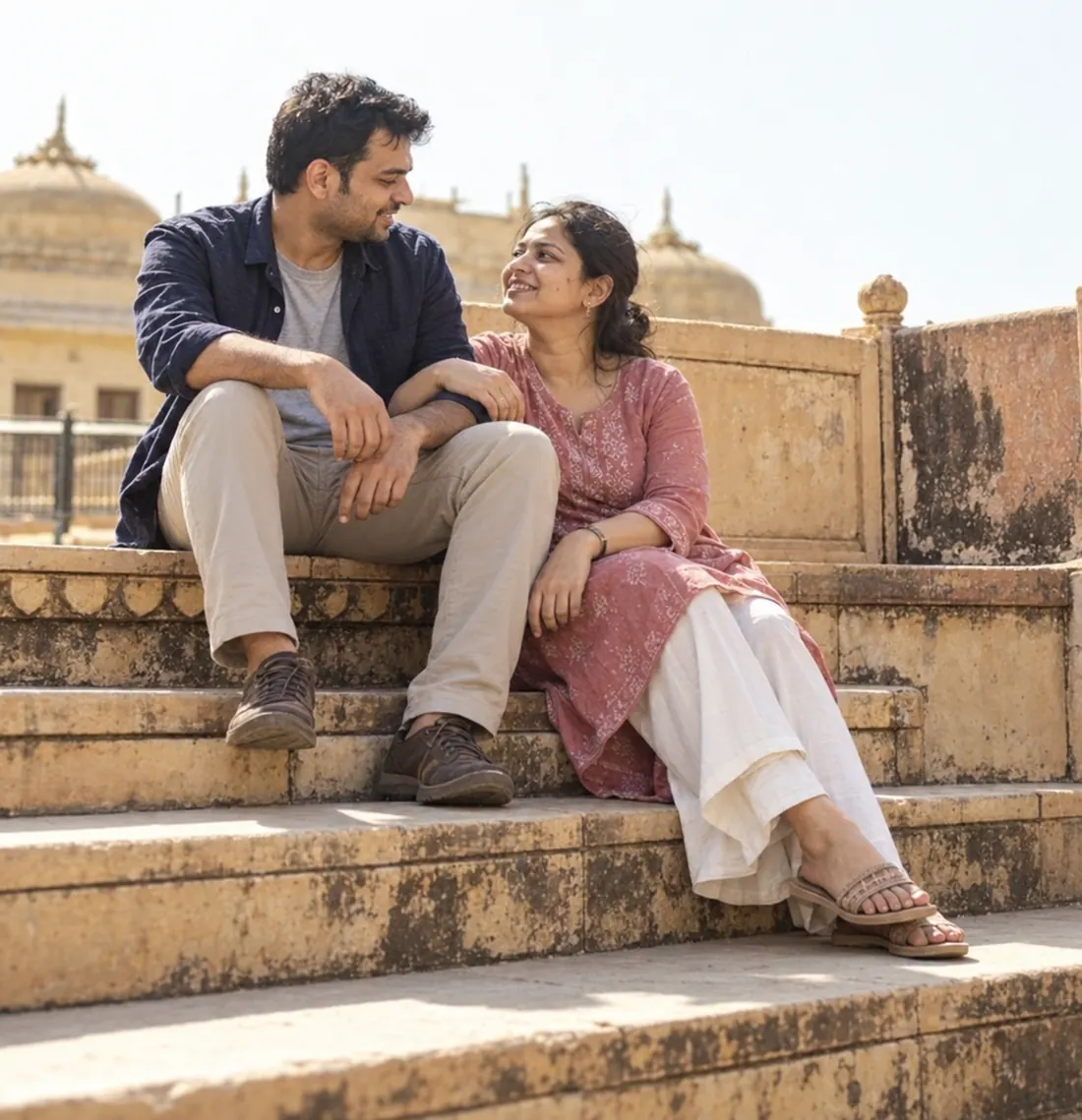
“The blessings feature is amazing. All my relatives like it very much.”
Meera & Kabir 
“I’m waiting for my friends’ upcoming weddings so I can use it again. Highly recommended.”
Ananya & Rohan 
“I won’t lie. I literally open it about 50 times a day after buying it. Every time, new blessings make it feel more alive.”
Naina & Kunal 
“The RSVP features and management dashboard are not only great, but useful too.”
Riya & Dev
Wedding website FAQs
A few things before you begin.
Yes. Your wedding website adapts to desktop, tablet and mobile screens, so guests can open the same link on the device they prefer.
Yes. Use Preview to explore a design before choosing Customize to start your own website.
Each template has its own displayed price. Any active offer is shown with the design, and you can review the amount before checkout.
Yes. Add your details, photos and music, and choose which sections to show. You can keep revising your website after publishing, with no extra editing fees.
Open My Creations, choose your website and select Manage Website. You can view responses and guest counts, filter your list and export it. Guests RSVP on your website, so there is no separate Google Form to manage.
No. New blessings wait for your approval. You choose which messages appear publicly, can hide a message later, and can turn the blessings wall off without deleting the messages.
No. RSVP contact details and private notes stay in your authorised management area. Approved blessings show only the guest’s chosen name and message on the public website.
You’ll find it in My Creations. From there, continue editing, manage RSVPs and blessings, or open your live website after publishing. A purchased website that has not been published yet stays available there too.