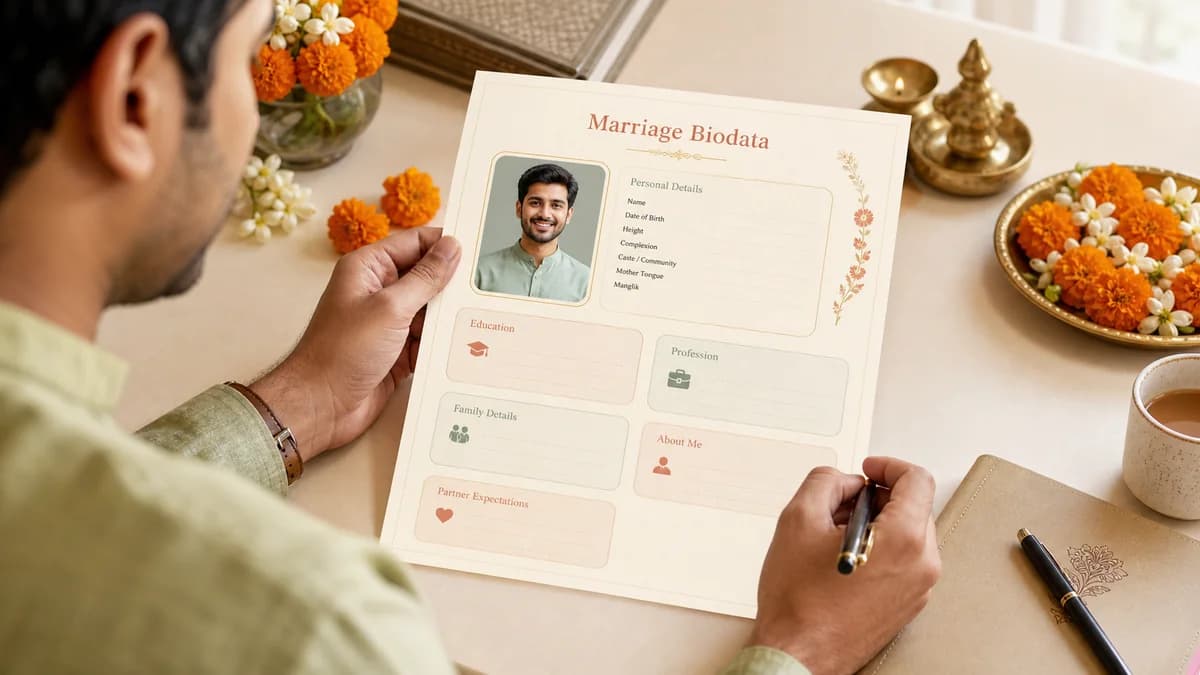
Marriage Biodata Format for WhatsApp PDF
A practical guide to creating a marriage biodata format for WhatsApp PDF that stays readable on mobile and polished enough for family sharing.
Quick answer
What this guide helps with
- Create a biodata PDF that works well on WhatsApp.
- Understand what makes a biodata readable on mobile screens.
- Avoid layouts that look polished on desktop but fail when forwarded as PDF or screenshot.
Marriage biodata format for WhatsApp PDF
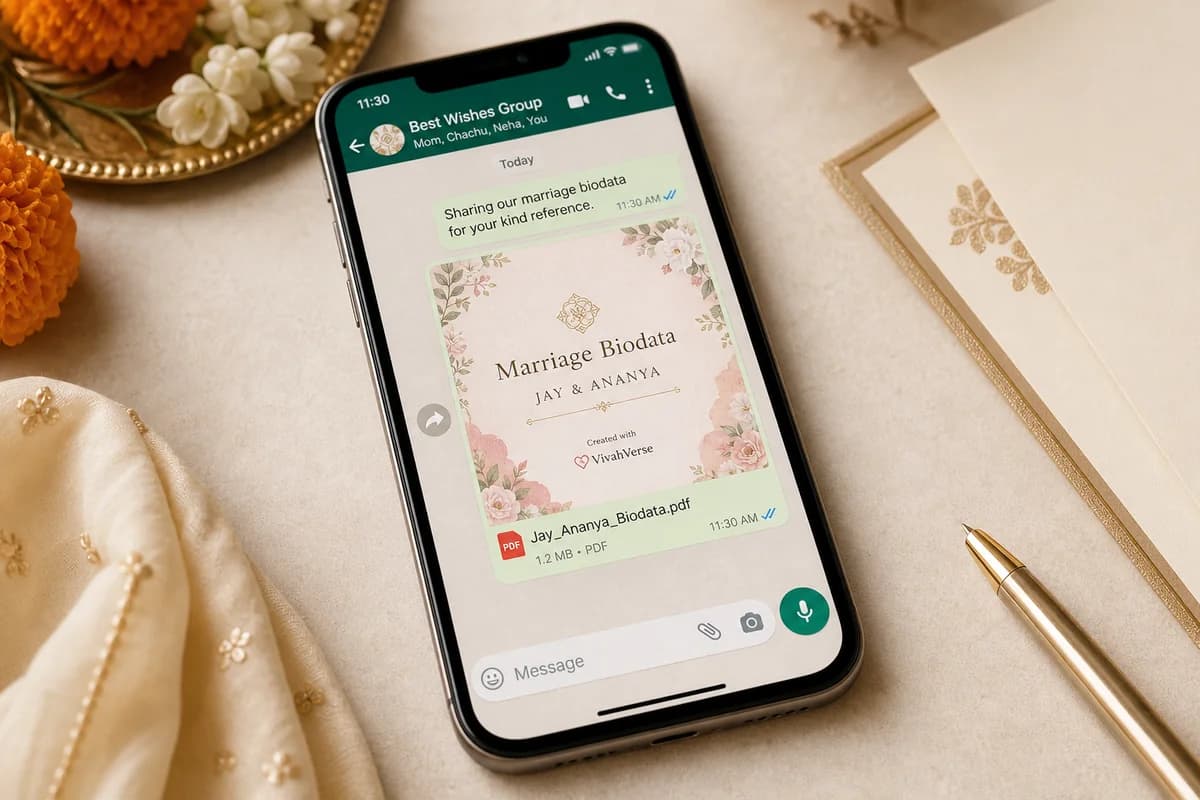
This is a marriage biodata layout optimized for PDF sharing over WhatsApp, where readability on phones, clean page hierarchy, and quick family scanning matter more than heavy ornamentation.
Key takeaways
- Phone readability matters more than decorative density.
- Your first page should communicate the core profile quickly.
- A share-friendly PDF should still feel respectful and family-ready.
Why WhatsApp changes the format
Many biodatas are never printed first. They are opened as PDF previews inside WhatsApp, forwarded to relatives, and sometimes viewed as screenshots instead of full documents.
- Use strong section hierarchy on page one.
- Keep line lengths and paragraph blocks controlled.
- Avoid tiny labels, crowded icons, or heavy borders that shrink poorly.
- Make sure the profile summary remains readable even in PDF preview.
What a WhatsApp-friendly biodata should include
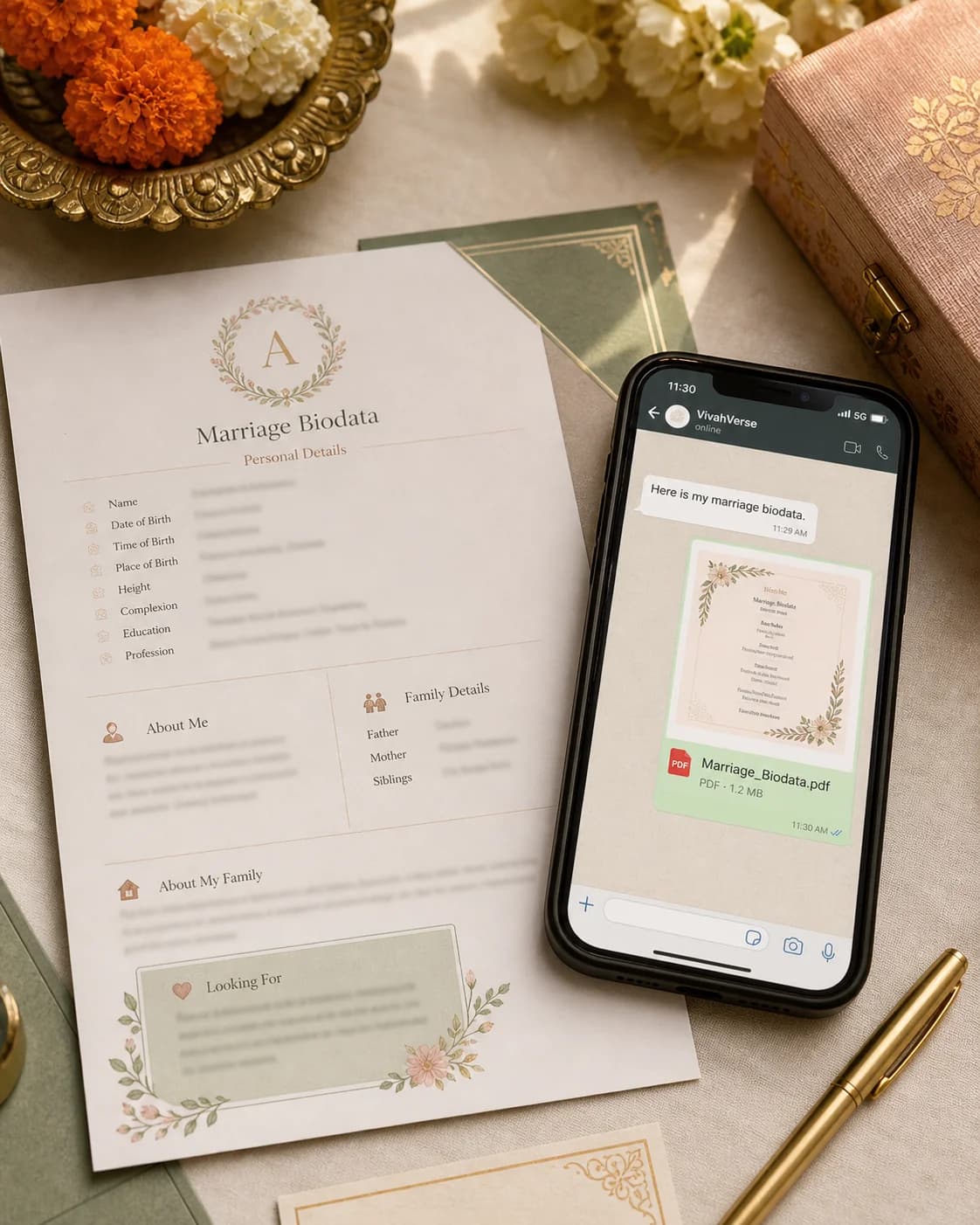
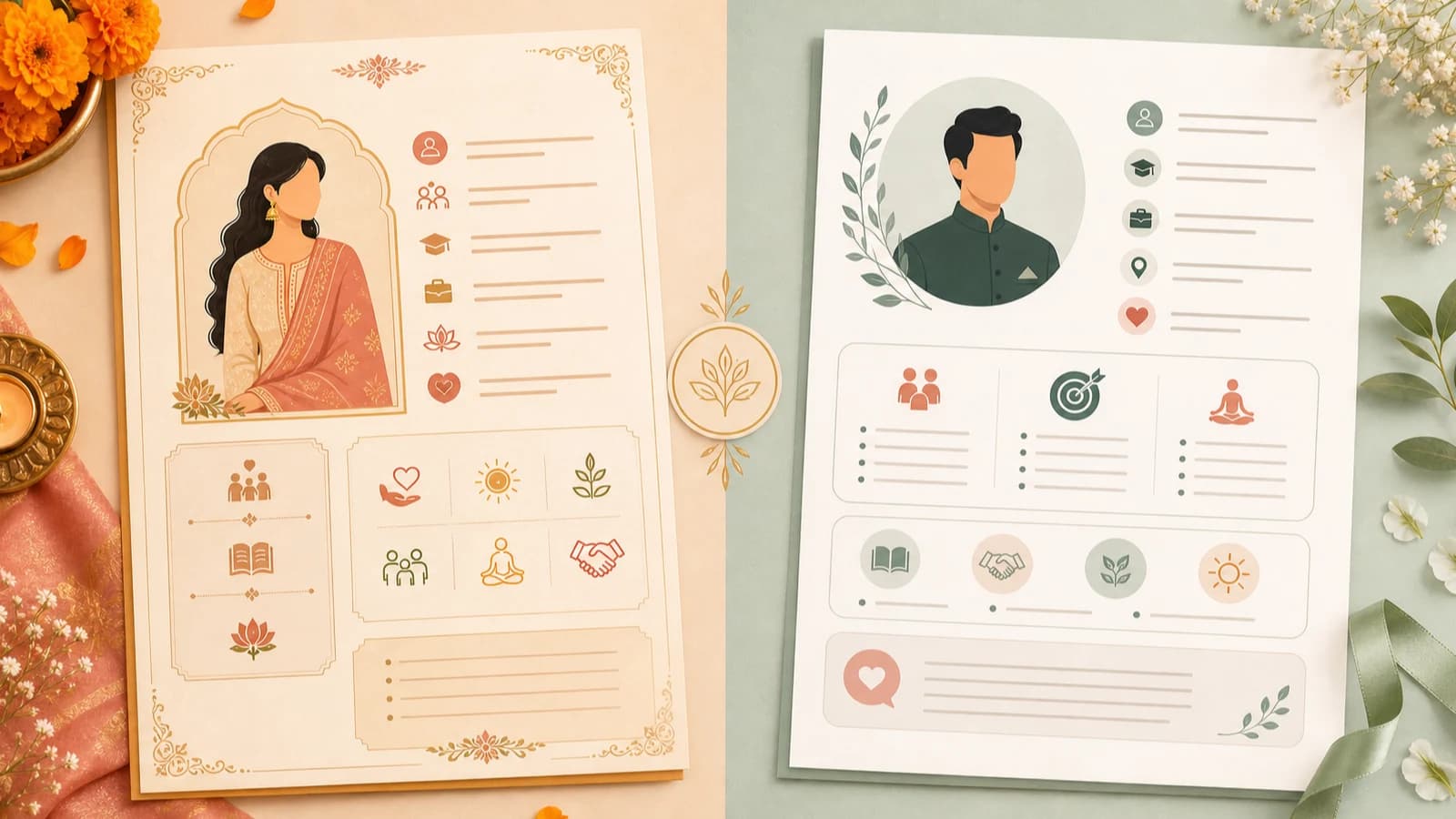
What this visual is showing
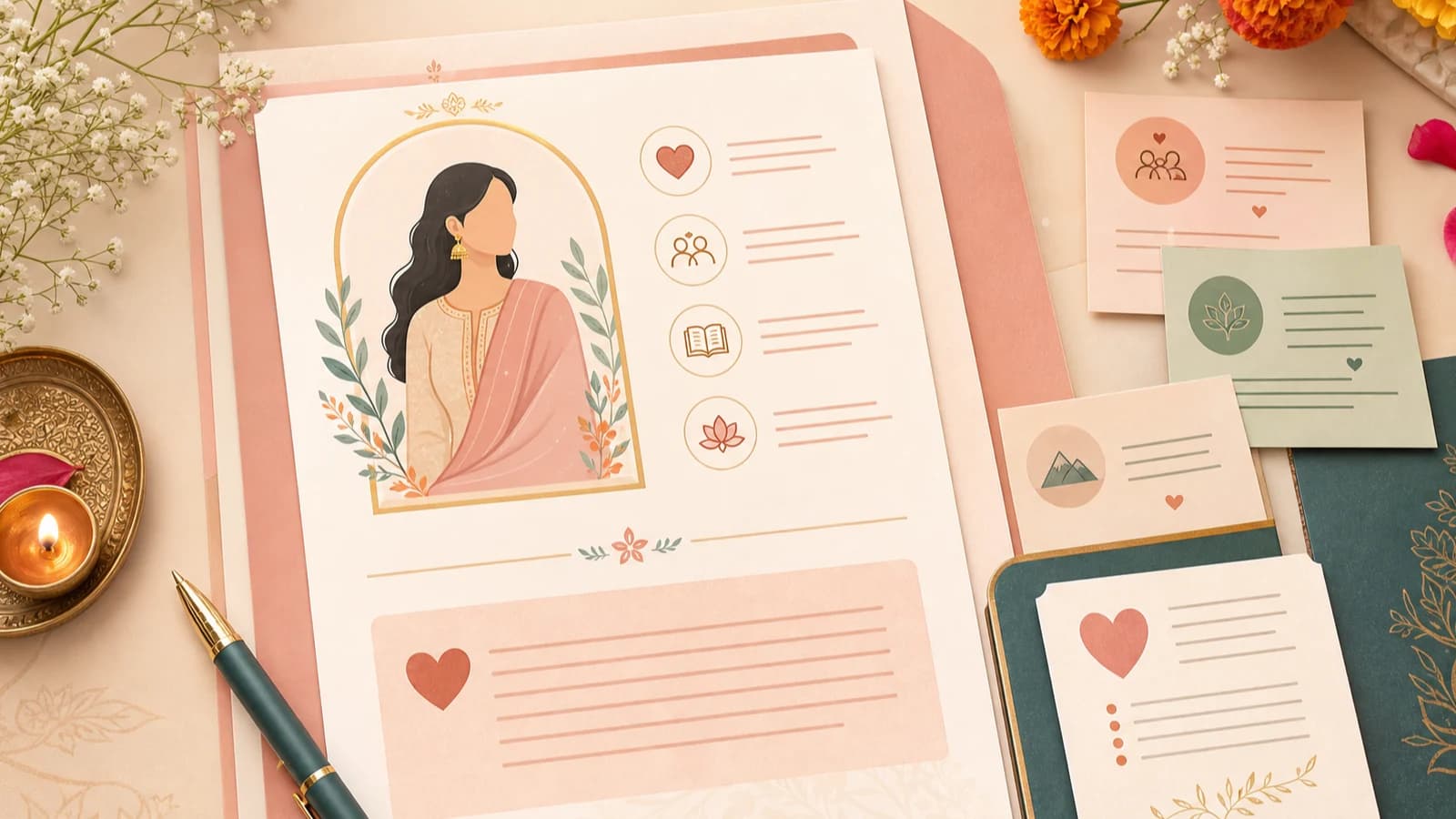
A good WhatsApp biodata layout makes the first page feel complete even before someone zooms in. The major identity, profile, and family cues remain visible at a glance.
This is different from a purely desktop-designed biodata, where fine decoration and tighter spacing may still feel acceptable on a large screen.
Format choices that help
Simple first page
Balanced spacing
Clean PDF export
Useful rule
If a family member can understand the biodata from the WhatsApp PDF preview and a quick zoom, the format is doing its job.
Common mistakes
Using too many decorative boxes and borders
The biodata looks crowded in PDF preview and weakens readability on smaller screens.
Putting the best information too low on the page
Readers may not reach the most important personal context before judging the layout.
Treating PDF export as an afterthought
A layout that feels fine in editor mode can still break trust if the exported PDF looks misaligned.
Final check before sharing
- Open the PDF on your own phone before forwarding it.
- Check whether headings and labels remain readable without zooming too much.
- Make sure the photo and summary feel balanced on the first page.
- Confirm the file feels polished enough for family forwarding.
What is the best marriage biodata format for WhatsApp PDF?
The best format is a clean, mobile-readable PDF with strong section hierarchy, a balanced first page, and enough spacing for quick family scanning.
Should a marriage biodata PDF be one page or more?
One page is often enough for simpler profiles, but two pages can work well if the first page already presents the core identity and summary clearly.
Why does my biodata look fine in editor mode but weak on WhatsApp?
Because PDF preview on mobile compresses spacing and small details. A good WhatsApp biodata needs stronger hierarchy and cleaner export behavior.
When to use the tool
Create a biodata PDF that works on WhatsApp
If you want to compare the available designs first, visit the marriage biodata template gallery and choose a layout that stays readable on a phone.