How to Share Wedding Details with Guests
Share wedding travel and event details with guests using one current page, accurate venue maps, concise WhatsApp updates and clear change notices.

Photo: Ingo Mehling · CC BY-SA 4.0
Quick answer
What this guide helps with
- Choose one reliable place for current event information.
- Send concise messages that tell guests what to do next.
- Reduce confusion when venues, pickup times or schedules change.
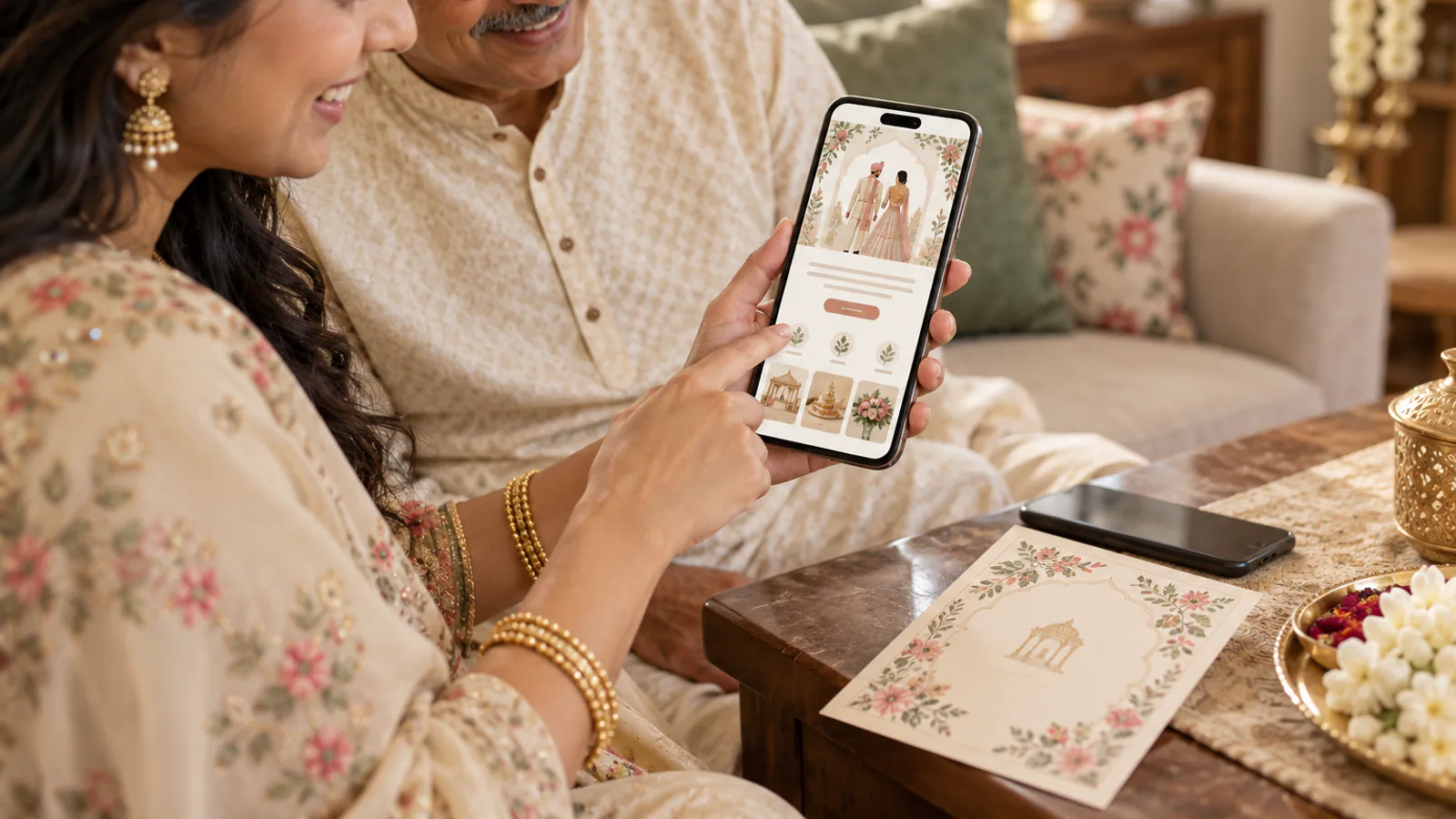
Guests often receive an invitation, family-group messages and forwarded screenshots. Avoid creating several competing versions of the schedule. Keep the complete details on one current page and make every message link back to it.



Build a scannable guest page
Organize details by event rather than by the family member who supplied them. For each function, include the date, local start time, venue name, address and map link. Keep travel and accommodation notes together, then add RSVP instructions, dress guidance and a contact for questions.
Message examples to adapt
First share: “We’d love you to celebrate with us. The event schedule, venue maps and RSVP details are here: [link]. Please reply by [date].”
Arrival reminder: “We’re looking forward to seeing you on [date]. Your first event is at [venue] at [time]. Open the map and transfer notes here: [link]. For pickup help, contact [name].”
Schedule change: “Update for [event]: the venue is now [new venue] and the start time is [new time]. The complete schedule and map are updated here: [link]. Please use this page as the latest version.”
Make changes easy to understand
- Confirm the change with the venue or family decision-maker.
- Update the page first, including the map link and any transfer instruction.
- Send the change to affected guests through a channel they use.
- Name the specific event and detail that changed; avoid “please check the update” alone.
- Keep a person available to answer questions from guests who saw an older message.
Use the separate WhatsApp sharing guide for message timing and forwarding etiquette. If the celebration is out of town, add the guest travel checklist and the destination website sections.
- One canonical page with a clear last-updated date.
- Tappable venue maps and full addresses.
- Message text that states the event and the next action.
- A clear point of contact for arrival and schedule questions.
- An update process for guests who already received an earlier version.
Should I send the full schedule as a WhatsApp image?
A concise image can be useful as a reminder, but keep the current schedule and map links on a page guests can reopen and update.
How do I correct a wedding invitation that was already forwarded?
Update the current page, then send a short correction that names the changed detail and includes the updated link. Ask close family to forward the correction, not the old image.
Should every guest receive every travel detail?
Send the information relevant to the guest group. Keep the general page available, and message people directly when their pickup or event invitation differs.
Make one link the current source