Destination Wedding Website: What to Include
Build a destination wedding website with the event schedule, venue maps, accommodation, transfers, FAQs, RSVP instructions and updates for guests.

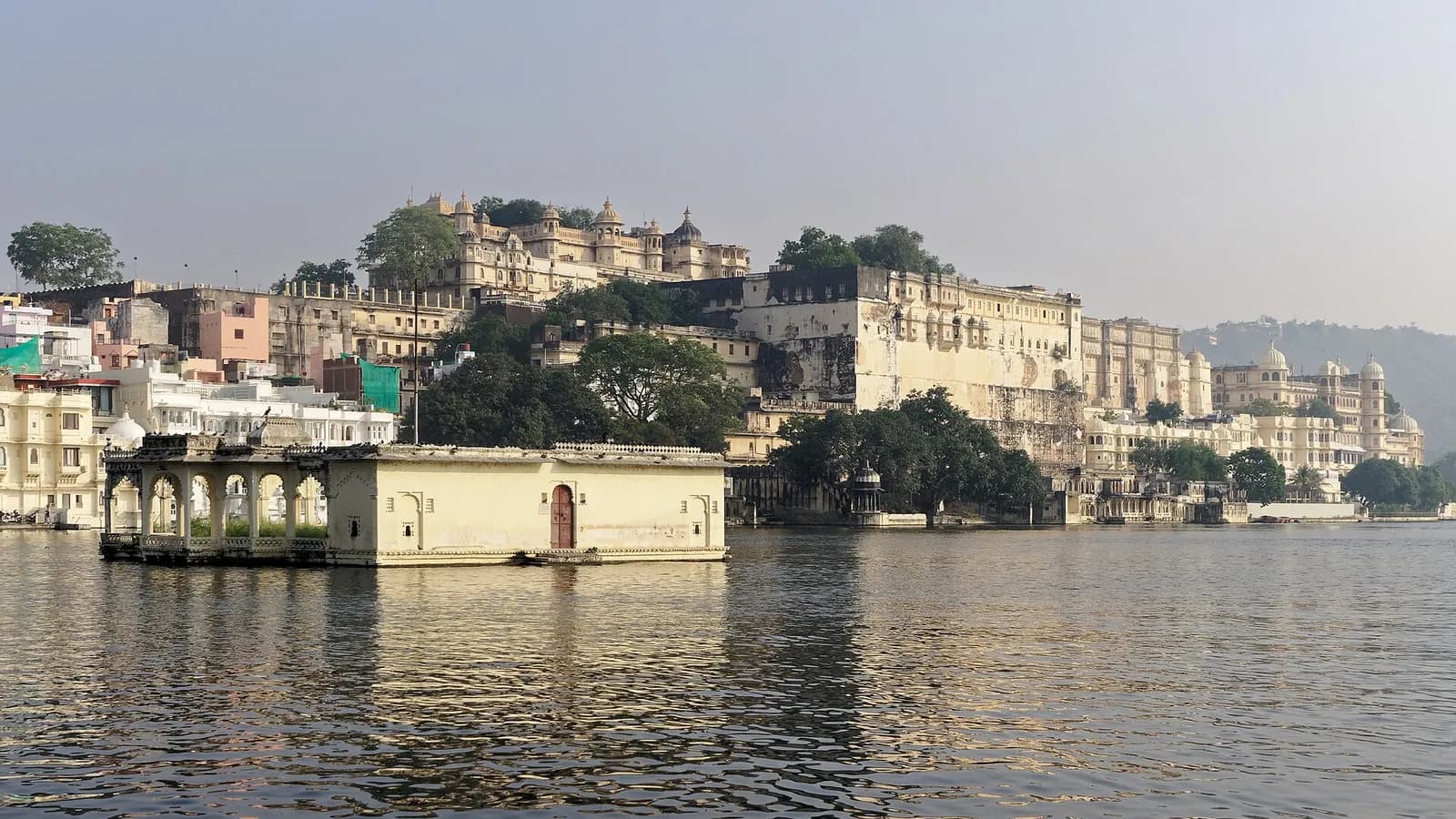
Photo: Jakub Hałun · CC BY-SA 4.0
Quick answer
What this guide helps with
- Choose a clear page structure for travelling guests.
- Gather venue, transfer, accommodation and event details before publishing.
- Use the site as one update point instead of forwarding several versions.
A destination site is a guest guide. It can complement a digital invitation by holding information people need to revisit during the trip. Start with a simple page structure and add detail as each item is confirmed.
Recommended page order
- Welcome and destination: State the city or area, wedding dates and the one link guests should save.
- Events: Give each function its own date, local start time, venue and RSVP instruction.
- Getting there: Name the arrival point recommended by the venue, the final transfer and the pickup contact if one is arranged.
- Stay: Share accommodation areas, booking guidance and check-in details that have been confirmed.
- What to expect: Add dress guidance, weather or surface notes, accessibility and meal information only when reliable.
- FAQs and contact: Answer repeated questions and name a person guests can reach during the trip.
Write for guests on a phone
Use short headings, familiar place names and concise instructions. Put the next action near the detail: “Open the venue map,” “Confirm by 10 November,” or “Meet the shuttle at the hotel entrance.” Test long venue names and map links on a small screen. Avoid putting essential information only in an image or PDF.
- One map pin per event location.
- Local time and clear date format.
- A transfer and pickup explanation, or a clear note that guests arrange their own ride.
- RSVP deadline and which events a guest should answer for.
- Accommodation, dress, accessibility and children’s notes where relevant.
- A single place to check for schedule changes.
Plan updates before the first link goes out
Decide who can approve and publish changes. When a venue or time changes, edit the page first, then send a short message with the revised link and what changed. Keep a version or “updated on” note for guests who saved an earlier message.
For a fuller planning sequence, see how to plan guest travel and the sample destination itinerary. Use the existing guest-first website checklist to fill out the general sections.
What is the most important detail on a destination wedding website?
The confirmed event schedule with the exact venue and map for each function. Add the arrival and transfer plan as soon as it is confirmed.
Should accommodation booking links go on the website?
You can include confirmed hotel or room-block details. State booking deadlines and any conditions supplied by the property, and avoid implying that a room is reserved unless it is.
Can a wedding website replace an invitation?
It can hold the full guest guide, while a card or message can announce the celebration and point guests to the website.
Start with a guest-first wedding website