How to Share Your Wedding Website on WhatsApp: Messages and Tips
Send a wedding website link on WhatsApp with clear invitation wording, RSVP timing and tested link previews, plus practical checks for printed QR codes.
Quick answer
What this guide helps with
- Write a clear WhatsApp message for your wedding website.
- Share the link without overwhelming family and guest groups.
- Check the preview and QR code before printing or forwarding.
Key takeaways
- Use one final link and test it on a second phone.
- Tell guests why they should open it and when to RSVP.
- A QR code is a separate step unless your chosen service explicitly provides one.
Before you share the link
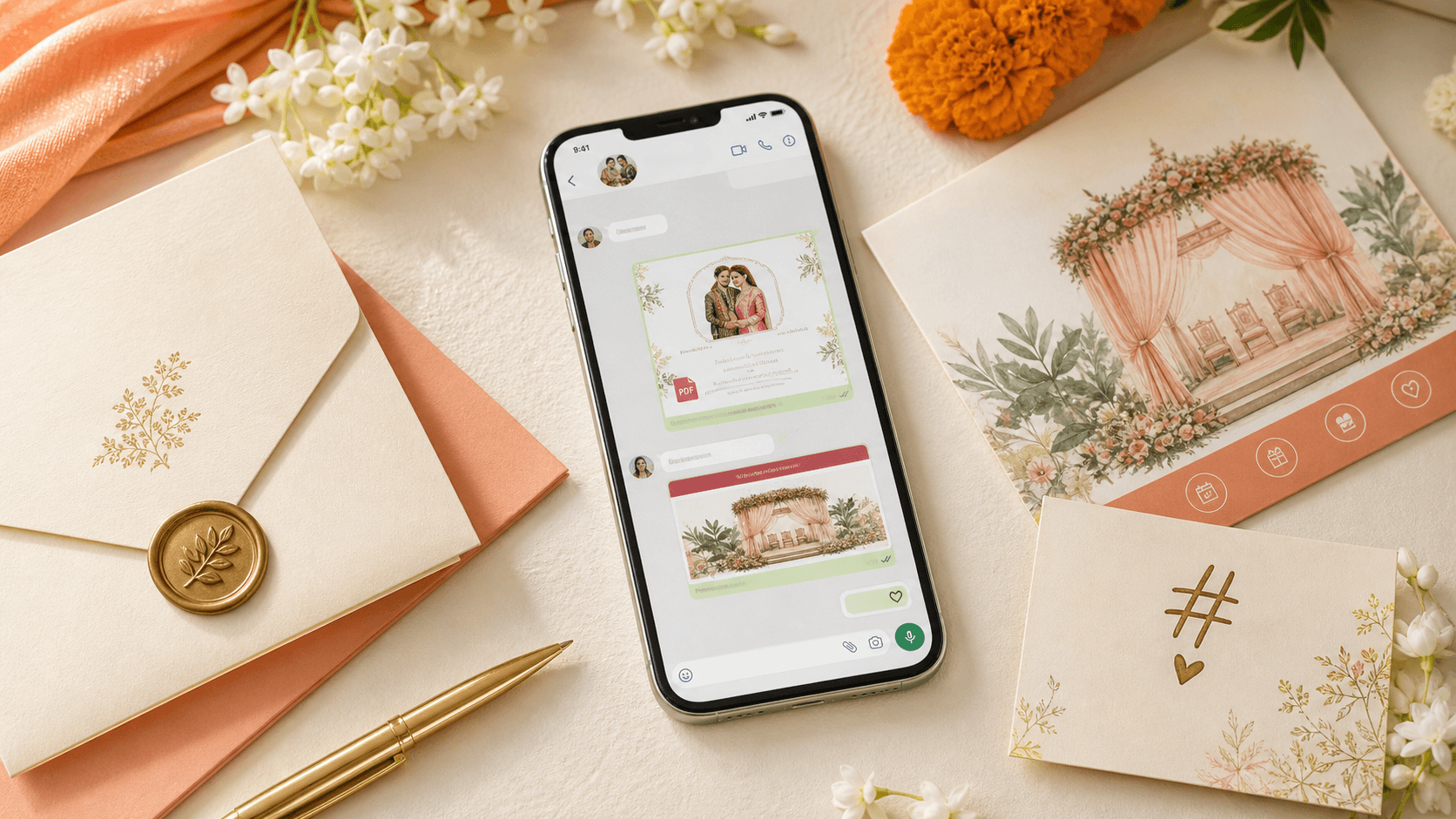
Open the website on a phone and check the names, dates, event times, venue links and RSVP instructions. Share the link in a test message to someone who can confirm the preview looks right and the page loads without requiring an account. If the site creates a sharing image, check that it shows the correct names and date.
WhatsApp message examples
Warm and simple
Family invitation
Schedule update
Replace the brackets with confirmed information. If a message is for a group invited to only some functions, name the relevant events so no one assumes the entire schedule applies to them.
Send it to the right people
Use a personal message for close family and smaller groups. For a large group, keep the introduction brief and avoid posting private guest details. If different relatives are coordinating each side of the family, agree on who sends the link and who follows up so guests do not receive conflicting reminders.
Choose a reasonable response date and send a reminder only to people who have not replied. Do not rely on a single group message to reach every guest; some relatives may prefer a direct call or printed invitation.
Using a QR code on a printed invitation
A QR code can take guests to the same website link, but it may need to be created with a separate QR tool. Generate it only after the URL is final. Scan the printed proof with more than one phone and check that the code still works at its actual printed size. Keep the written URL on the card for guests who cannot scan it.
One page for updates
What should I write when sharing a wedding website link?
Say who is getting married, what guests can find on the page, and the RSVP deadline. Keep it warm and short, and include the final link.
Why is the WhatsApp link preview wrong?
The preview may use cached page metadata or an older sharing image. Check the page’s social preview and provider refresh options, then test the link again before sending it widely.
Can I put a QR code on my wedding invitation?
Yes. Point it to the final wedding website URL and test a printed proof. QR generation may be separate from the wedding website builder.
Preview the shareable wedding website