 Wedding planning
How to Track Wedding Vendor Payments and Due Dates
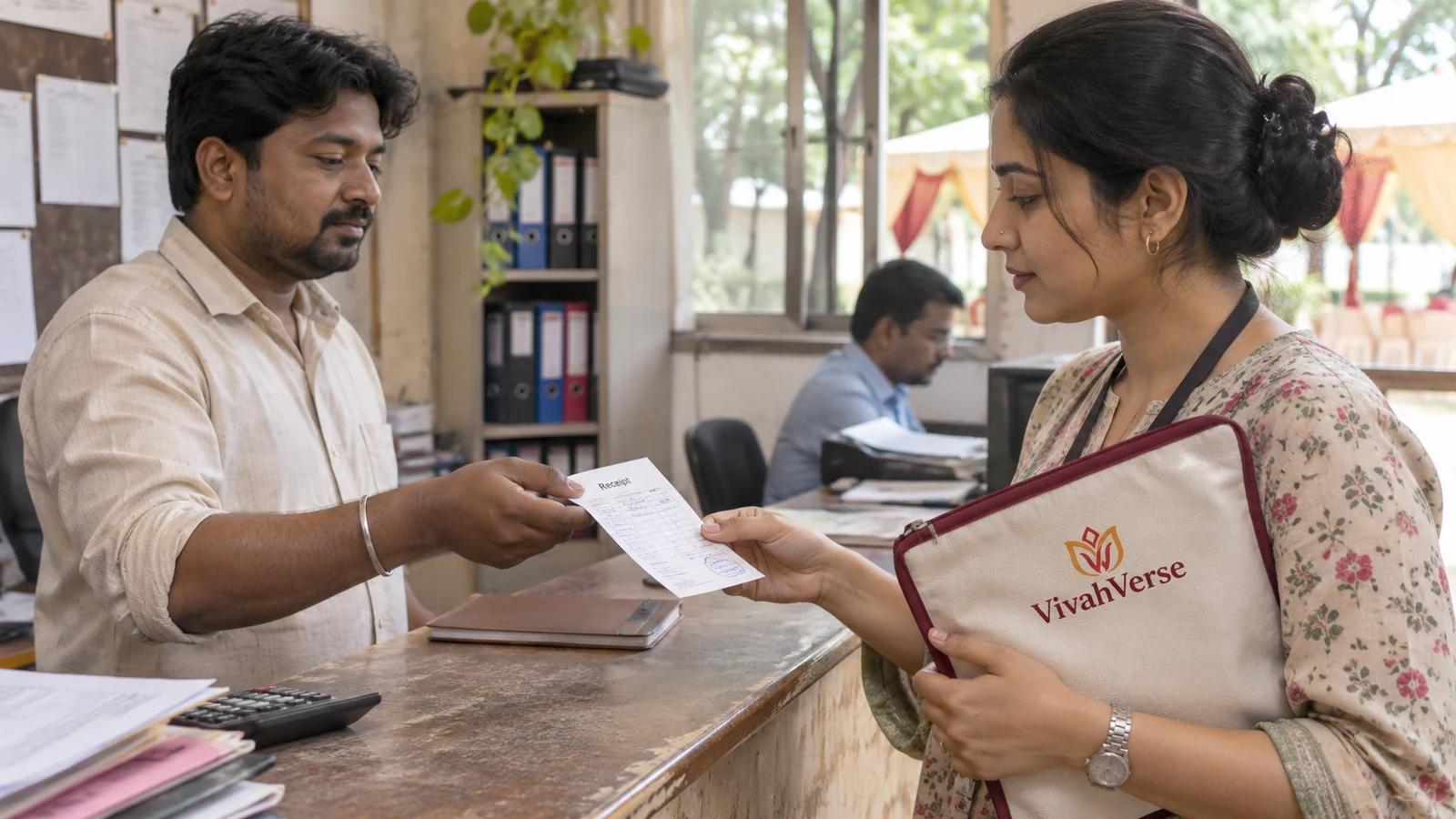
Record the agreed vendor cost once, then track each advance or instalment against it with a due date and receipt reference.
4 min read
 VivahVerse
A little less to keep in your head
Organize each vendor instalment, its due date, paid amount and balance in one editable schedule.
Free · No account needed · Kept in this browser tab only · Downloads stay with you
Start with a blank row, or select “Try an example” to explore fictional details.
Review results before downloading. XLSX contains editable values and a calculated snapshot, not live spreadsheet formulas. Use this tool again to recalculate. Blank files contain column headings.
A quick guide
Enter each instalment on a separate row.
Record payments only against the matching instalment.
Review overdue balances and retain receipts separately.
Balance per instalment = amount due − paid. Overdue means a positive balance and a due date before the review date.
This records payments made elsewhere. It cannot send money or verify bank transactions.
See it in practice
Fictional details, a real calculation. Use this as a starting point, then make it yours.
Recorded paid: ₹20,000.00
Net balance: ₹40,000.00
Balance per instalment = amount due − paid. Overdue means a positive balance and a due date before the review date.
Use “Try an example” above to edit these details and review the full output. These figures are not market prices or supplier recommendations.
Good to know
Using the worksheet, keeping your details private, and what happens next.
The next useful step
Keep working on the details that connect to this worksheet.
Ideas into action
Practical examples, decisions and checklists for the next conversation.
Wedding planningRecord the agreed vendor cost once, then track each advance or instalment against it with a due date and receipt reference.
 Wedding planning
Keep the original budget, current expected cost, agreed commitment and paid amount distinct.
VivahVerse Jashn
One-time payment. One wedding.
See Jashn pricingOne-week full-package refund.
Only 17 spots left.
Need this as part of your wider wedding plan? Explore wedding budget and payment tracker. This free worksheet stays separate from your account; entries are not imported automatically.