How to Create a Wedding Website in India: A Step-by-Step Guide
Plan and create an Indian wedding website with clear event details, venue maps, RSVP instructions and a link guests can open on their phones.

Quick answer
What this guide helps with
- Plan the information before choosing a design.
- Build a clear website for multiple functions and guest groups.
- Check the site before sharing it on WhatsApp or invitation cards.
Wedding website
A wedding website is a shareable page or site that keeps a couple’s celebration details, event schedule, guest information and RSVP instructions in one place.
Key takeaways
- Start with confirmed logistics; add decorative details after.
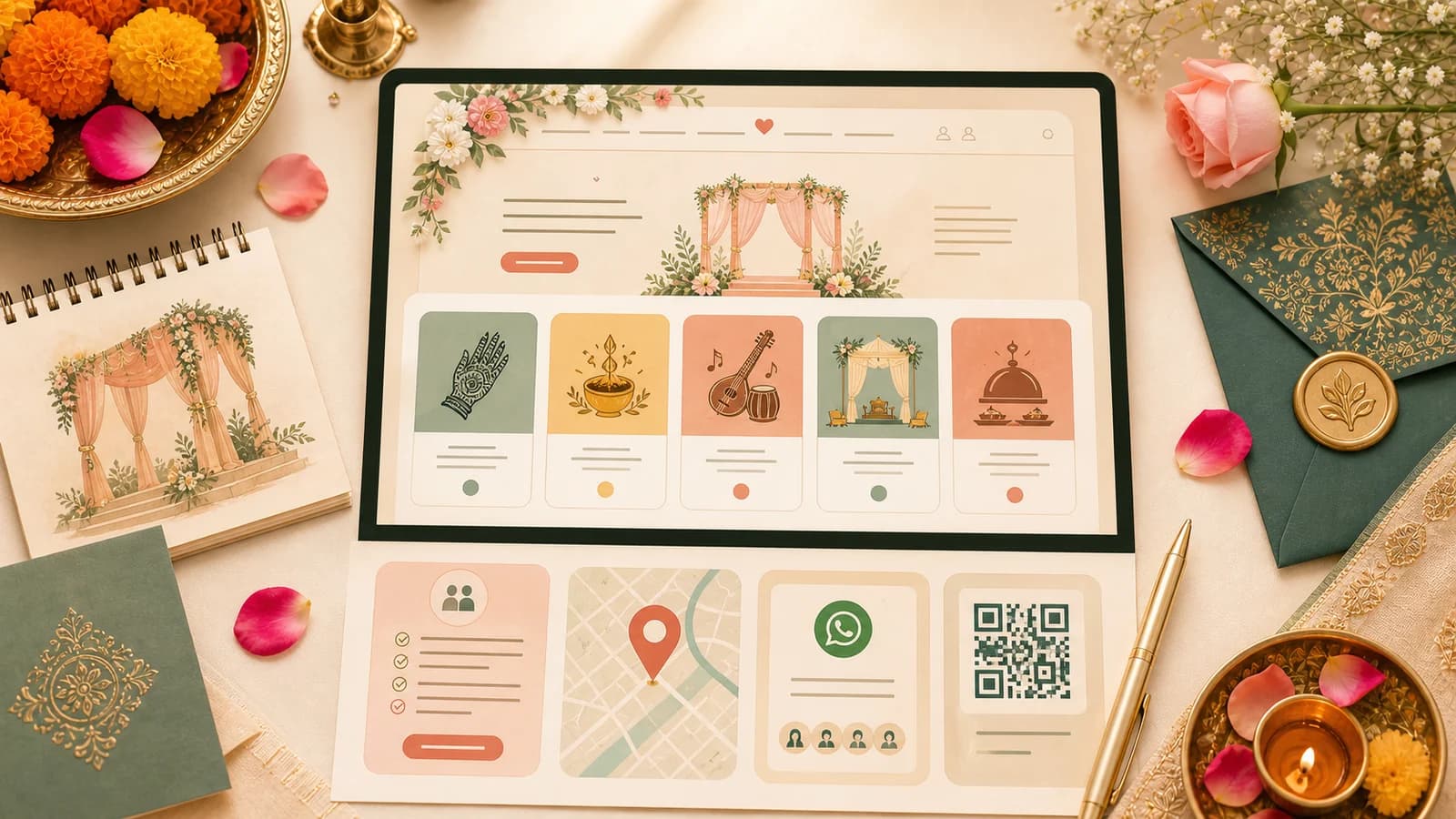
- Use one event card per function so guests can scan the schedule.
- Test the link and RSVP flow on a phone before sending it widely.
1. Gather the details first
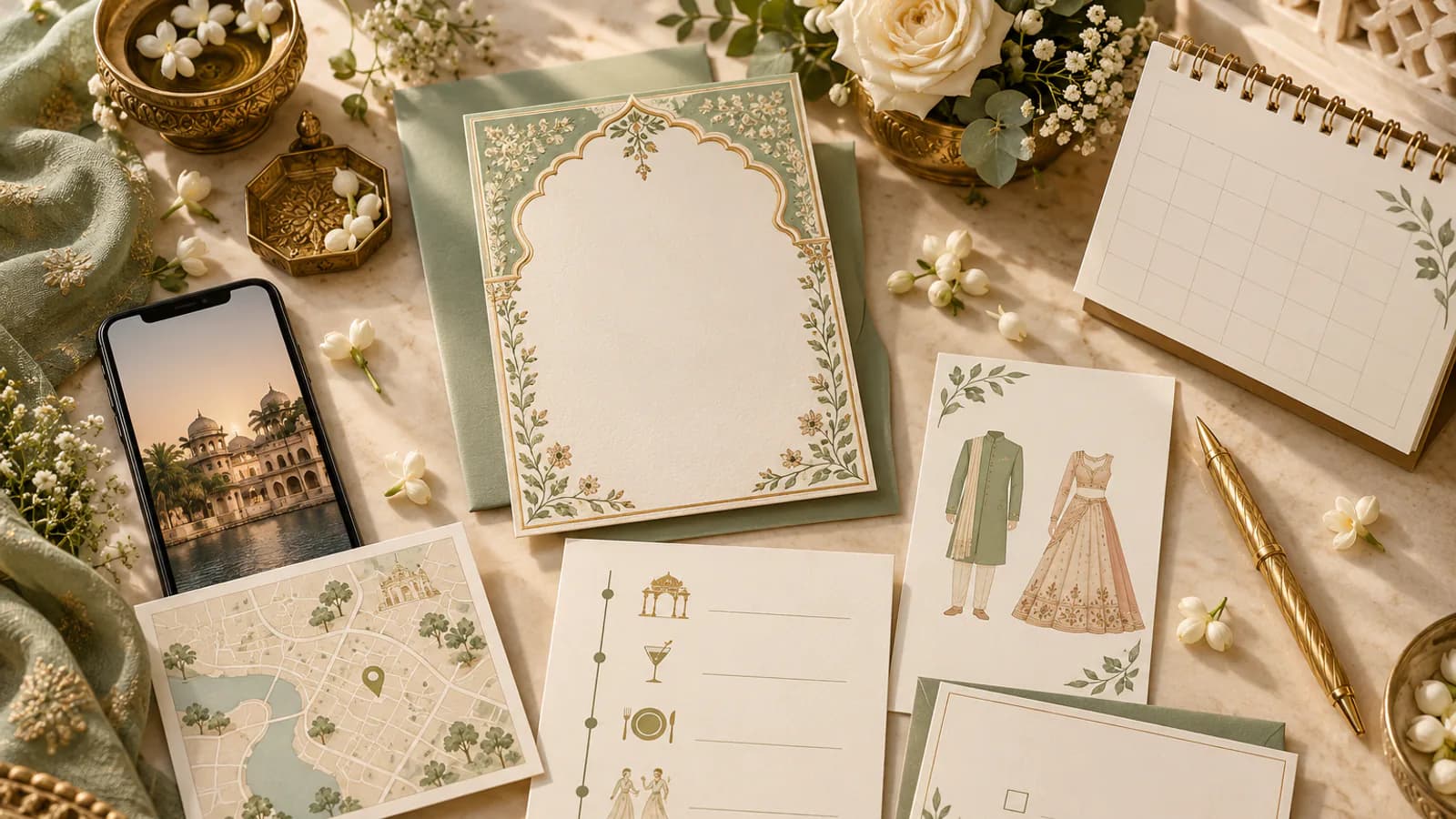
Collect the information that guests will ask for repeatedly. You can publish the essential schedule first and add photos or a story later. Confirm names, dates, time zones for online guests, venue spellings and map pins with the people responsible for each event.
- Couple names and the wording the families want to use.
- Dates, start times and venue addresses for each confirmed function.
- A map link and arrival or parking notes for every venue.
- Dress guidance, meal notes and accessibility details guests need.
- The RSVP deadline, invited events and a contact for urgent questions.
2. Choose a builder by the job it needs to do
Compare the actual guest experience: can a guest open it easily on a phone, understand which event they are invited to, find directions and respond without confusion? Then check the terms: setup cost, publishing price, domain options, how long the site stays online and what happens to guest data. “Free to design” may still mean a fee to publish, so read the current pricing page and checkout terms.
Explore the Ivory Bloom and Golden Hour design pages and compare their visual direction. Check that the shared wedding details stay clear in the preview you choose.
3. Add information in guest-first order
Put the schedule and RSVP where guests can find them quickly. A useful order is: welcome and couple names; event cards; RSVP; venue and travel details; dress notes; selected photos or story; then FAQs and a contact. For a multi-day celebration, give every function its own date, time, venue and attendance instructions.

Keep the wording short
Write for a guest who is reading between messages on a phone. Use familiar event names, short directions and plain RSVP instructions. If a detail is not final, do not guess; say when the update will be shared or leave it off until confirmed.
4. Review the website on mobile
Open the published or preview link on more than one phone size. Check that names are legible, long venue names wrap cleanly, maps open the right place, buttons are easy to tap and event details do not depend on animation. Submit a test RSVP only in a preview or test flow where that action will not create a real guest record.
Have someone who did not build the site try to find the time and address of one event. Their hesitation often reveals missing labels or buried details.
5. Share one tested link
Send the website link with a short message that says what guests can find there and when to respond. Preview the message in WhatsApp before sending it to family groups. If you print a QR code, generate it from the final URL and scan it with a second device before printing; QR creation may require a separate tool.
Before you send
How early should I create a wedding website?
Start when your date and the first guest-critical details are confirmed. You can publish the essentials first and add travel or event updates as they become final.
Can one wedding website cover several functions?
Yes. Use a separate event card for each function, with its own time, venue, directions and RSVP instructions where needed.
Is a wedding website free in India?
Some services advertise free websites, while others let you design for free and charge to publish. Check the current plan, domain and renewal terms before deciding.
Preview VivahVerse designs